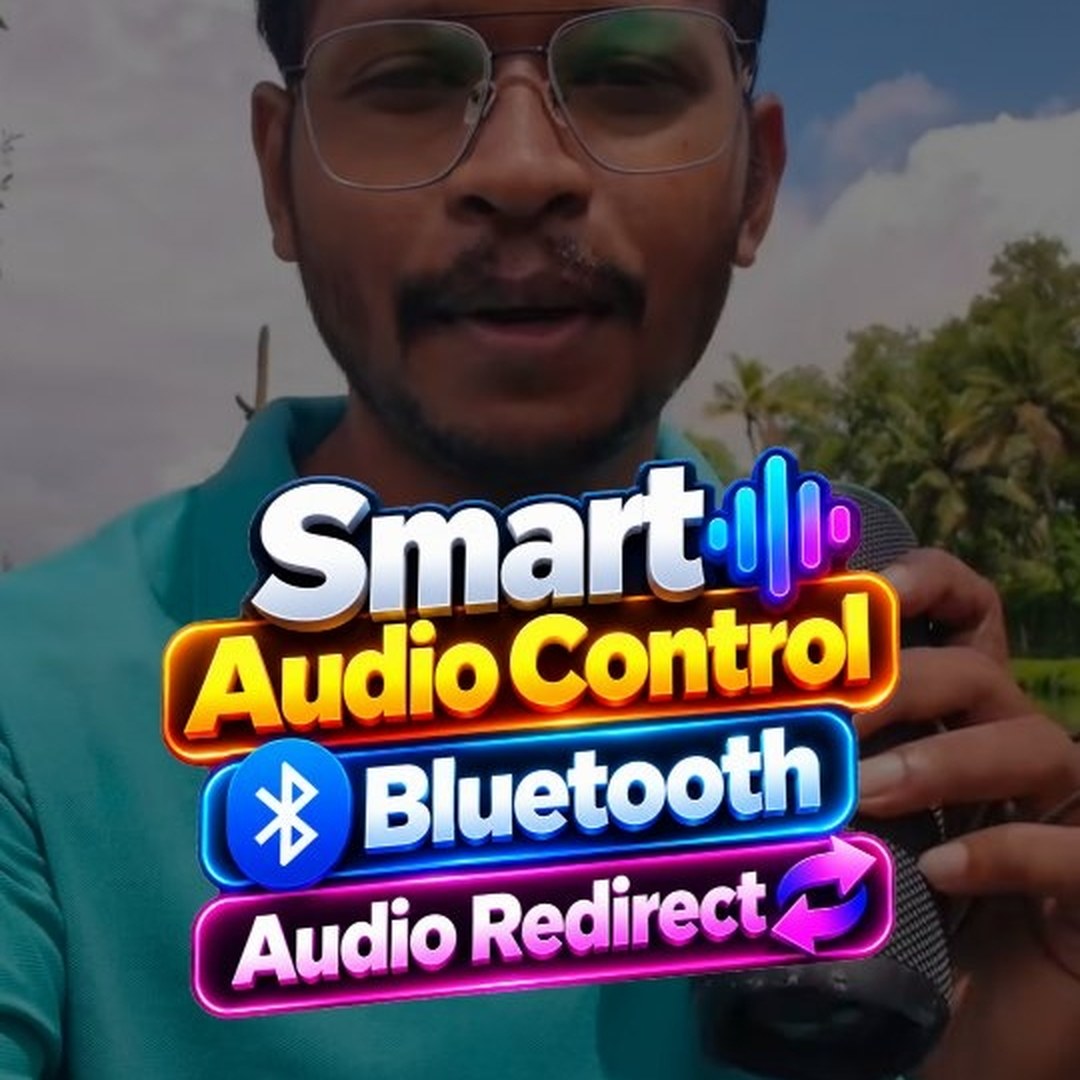
Bluetooth speaker-ഓ headset-ഓ connect ചെയ്താൽ phone-ലെ എല്ലാ sound-ഉം അതിലേക്കാണ് പോകുക. പാട്ട് കേട്ടുകൊണ്ടിരിക്കുമ്പോൾ ഒരു WhatsApp voice note വന്നാൽ അത് കേൾക്കാൻ ഒന്നുകിൽ Bluetooth disconnect ചെയ്യണം, അല്ലെങ്കിൽ audio output മാറ്റണം. എന്നാൽ ഏതൊക്കെ apps-ന്റെ sound speaker വഴി വരണം, ഏതൊക്കെ phone-ൽ തന്നെ വരണം എന്ന് നമുക്ക് തന്നെ തിരഞ്ഞെടുക്കാൻ പറ്റിയാലോ? അതാണ് Audio redirect.
എവിടെയാണ് ഈ feature?
Vivo, iQOO phone-കളിൽ ഈ option ഉണ്ട്. Samsung-ൽ ഇതേ feature Separate app sound എന്ന പേരിലാണ് വരുന്നത്.
Set ചെയ്യുന്ന വിധം
- ആദ്യം Bluetooth speaker / headset connect ചെയ്യുക
- Settings തുറന്ന് മുകളിൽ "Audio redirect" എന്ന് search ചെയ്യുക
- Sounds & vibration → Sound quality & effects → Audio redirect തുറക്കുക
- Audio redirect apps എന്ന list-ൽ, speaker വഴി കേൾക്കേണ്ട apps മാത്രം tick ചെയ്യുക — ഉദാഹരണത്തിന് Spotify പോലുള്ള music apps
Tick ചെയ്ത apps-ന്റെ audio Bluetooth device വഴിയും, ബാക്കിയുള്ള എല്ലാ apps-ന്റെ sound phone speaker വഴിയും വരും. അതായത് പാട്ട് speaker-ൽ തുടരുമ്പോഴും voice notes phone-ൽ തന്നെ സൗകര്യമായി കേൾക്കാം. വേണ്ടാത്ത app untick ചെയ്താൽ അതിന്റെ audio phone-ലേക്ക് മാറും.
ശ്രദ്ധിക്കാൻ
എല്ലാ models-ലും ഈ feature ഉണ്ടാകണമെന്നില്ല — ചില phone-കളിൽ Audio redirect option കാണില്ല. Samsung-ൽ Separate app sound എന്ന് search ചെയ്താൽ മതി, രീതി ഏകദേശം ഇതേ പോലെ തന്നെയാണ്.
🎬 ഇത് ഞാൻ നേരത്തെ ഒരു reel ആയി ചെയ്തിട്ടുണ്ട്: Reel കാണാം
💬 Add a comment to this post
Your comment goes straight to Deon — nothing shows up here until he has reviewed it.
Add a comment →