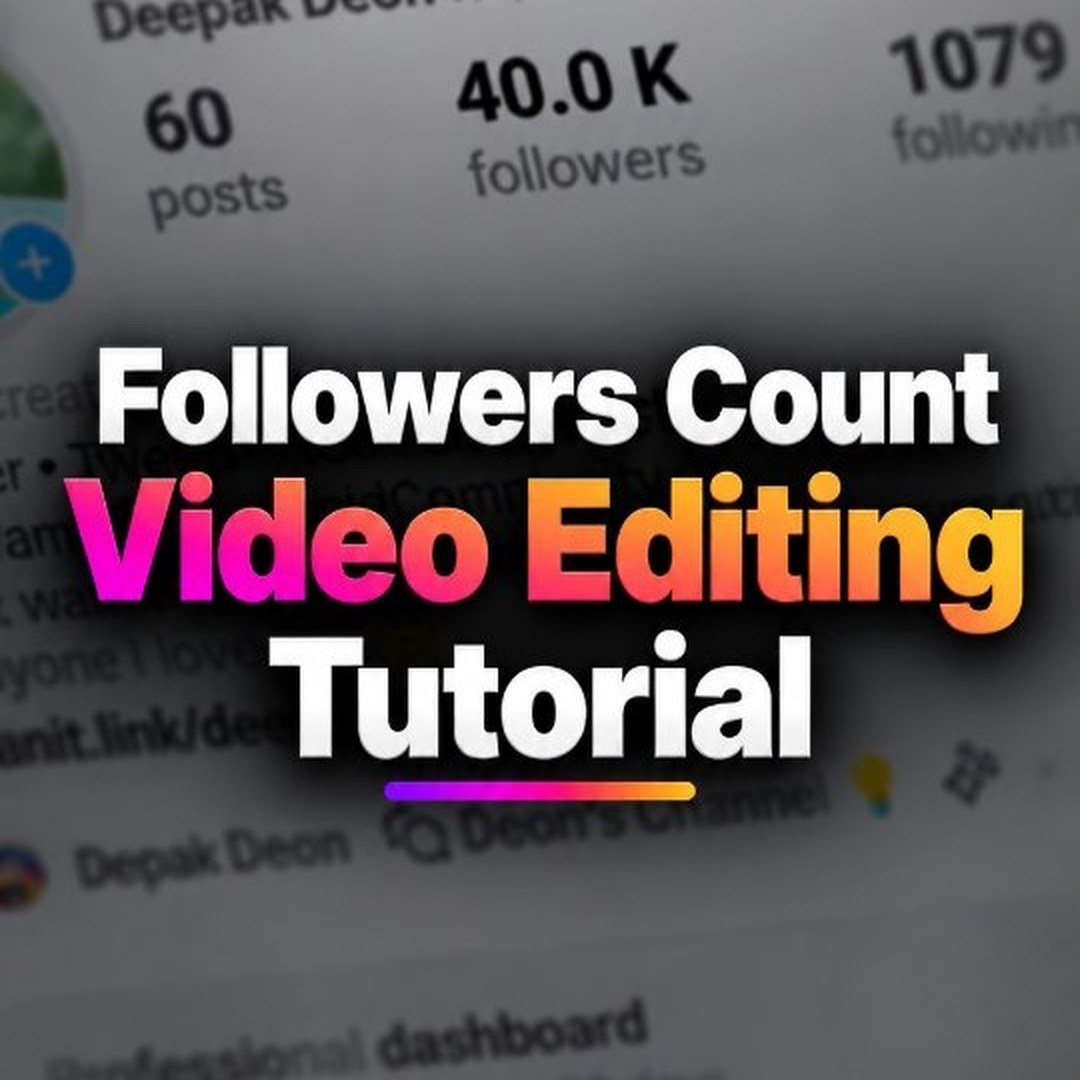
Followers count പെട്ടെന്ന് കേറുന്ന പോലെ ഒരു video കണ്ടിട്ടുണ്ടോ? എന്റെ profile-ൽ 40K followers ആയി എന്ന് കാണിച്ച് ഞാൻ ഒരു video ഇട്ടിരുന്നു — അത് ശരിക്കും followers കേറിയതല്ല, ഒരു edit ആയിരുന്നു! അതെങ്ങനെ ചെയ്തു എന്ന് ചോദിച്ചവർക്കായി ഇതാ ആ tutorial. വേണ്ടത് Alight Motion app മാത്രം.
Step 1: Screenshot എടുത്ത് count മറയ്ക്കാം
ആദ്യം നിങ്ങളുടെ Instagram profile-ന്റെ ഒരു screenshot എടുക്കുക. Alight Motion-ൽ new project തുടങ്ങി ആ screenshot import ചെയ്യുക. ഇനി യഥാർത്ഥ followers അക്കം മറയ്ക്കണം — അതിന് മുകളിൽ ഒരു shape (rectangle) വെച്ച് background-ന് ചേരുന്ന നിറം കൊടുക്കുക. ഇപ്പോൾ count ഉള്ള സ്ഥലം വെറും blank ആയി.
Step 2: Text layer-ൽ തുടക്ക സംഖ്യ
ഒരു text layer add ചെയ്ത് തുടങ്ങാനുള്ള സംഖ്യ type ചെയ്യുക — ഞാൻ ചെയ്തത് 30.1 K എന്നാണ്. Text കറുത്ത നിറത്തിൽ, profile-ലെ അക്കം ഇരിക്കുന്ന അതേ സ്ഥാനത്ത് കൃത്യമായി place ചെയ്യുക. Layer-കളുടെ default നീളം 2 second ആണ്, അത് image-ഉം text-ഉം 6 second വരെ നീട്ടുക.
Step 3: Count Up/Down effect
ഇതാണ് പ്രധാന trick. Text layer select ചെയ്ത് Effects-ൽ നിന്ന് Count Up/Down effect add ചെയ്യുക. Standard Settings എടുത്ത്, playhead video-യുടെ തുടക്കത്തിൽ വെച്ച് + icon അമർത്തി ഒരു keyframe point ഇടുക (Add = 0). പിന്നെ playhead അവസാനത്തേക്ക് കൊണ്ടുപോയി Add, Multiply എന്നിവ adjust ചെയ്യുക — drag ചെയ്യുന്നതിനനുസരിച്ച് അക്കം മാറുന്നത് live ആയി കാണാം. ഞാൻ Add 9-ഉം Multiply 1.03-ഉം വെച്ചപ്പോൾ അക്കം 40.0 K-ൽ എത്തി!
Step 4: 3D touch-ഉം Export-ഉം
വേണമെങ്കിൽ Move & Transform option വെച്ച് ചെറിയൊരു 3D effect കൂടി കൊടുക്കാം. ഇതേ രീതിയിൽ posts, following counts-ഉം animate ചെയ്യാം. അവസാനം video export ചെയ്യുക — export നടക്കുമ്പോൾ app-ൽ നിന്ന് പുറത്തുപോകരുത്, screen lock ചെയ്യുകയും അരുത്.
ശ്രദ്ധിക്കാൻ: ഇതൊരു fun edit മാത്രമാണ്. Fake followers count കാണിച്ച് ആരെയും പറ്റിക്കാൻ ശ്രമിക്കരുത് — video കാണുന്നവർക്ക് ഇതൊരു editing trick ആണെന്ന് മനസ്സിലാകുന്ന രീതിയിൽ തന്നെ ഉപയോഗിക്കുക.
🎬 ഇത് ഞാൻ നേരത്തെ ഒരു reel ആയി ചെയ്തിട്ടുണ്ട്: Reel കാണാം
💬 Add a comment to this post
Your comment goes straight to Deon — nothing shows up here until he has reviewed it.
Add a comment →